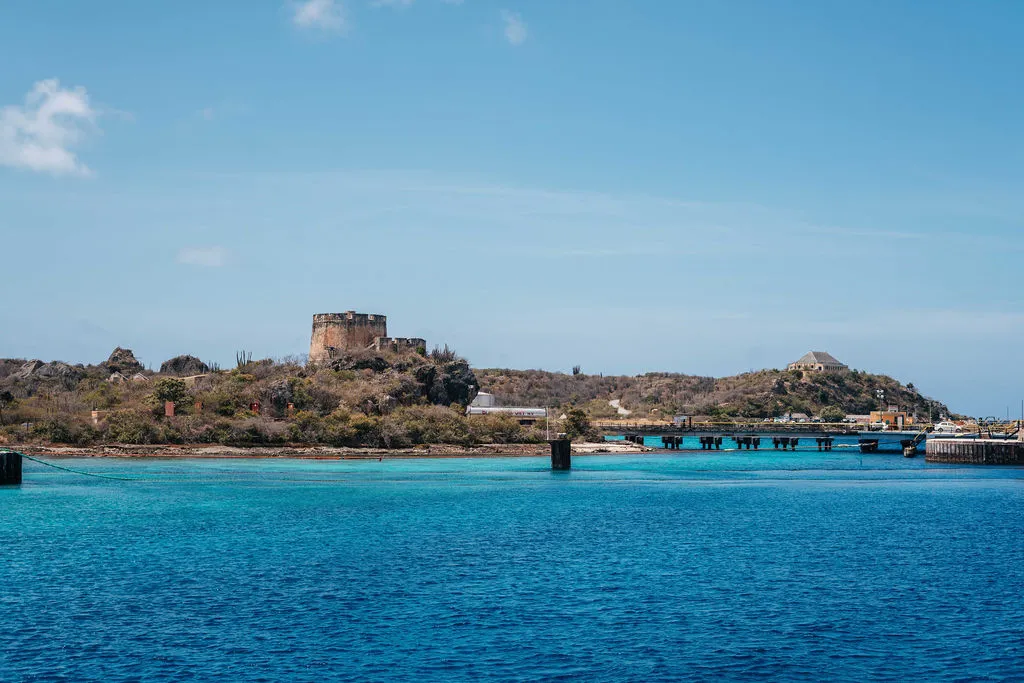
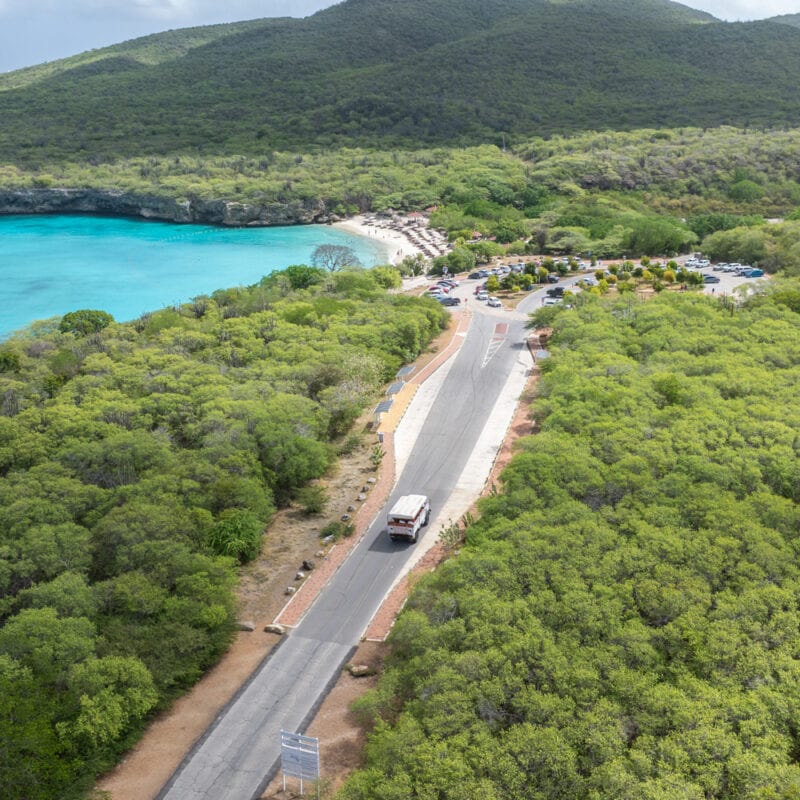
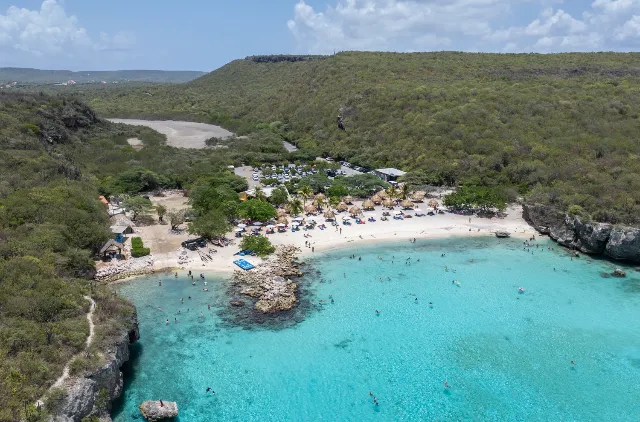
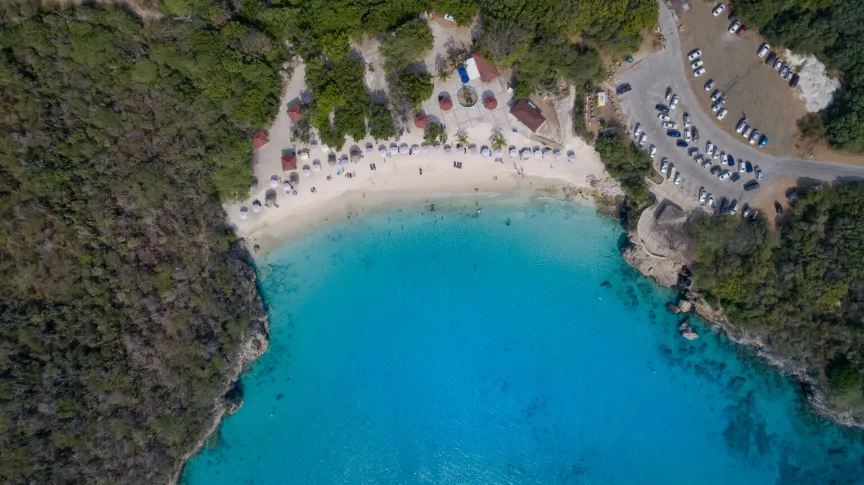
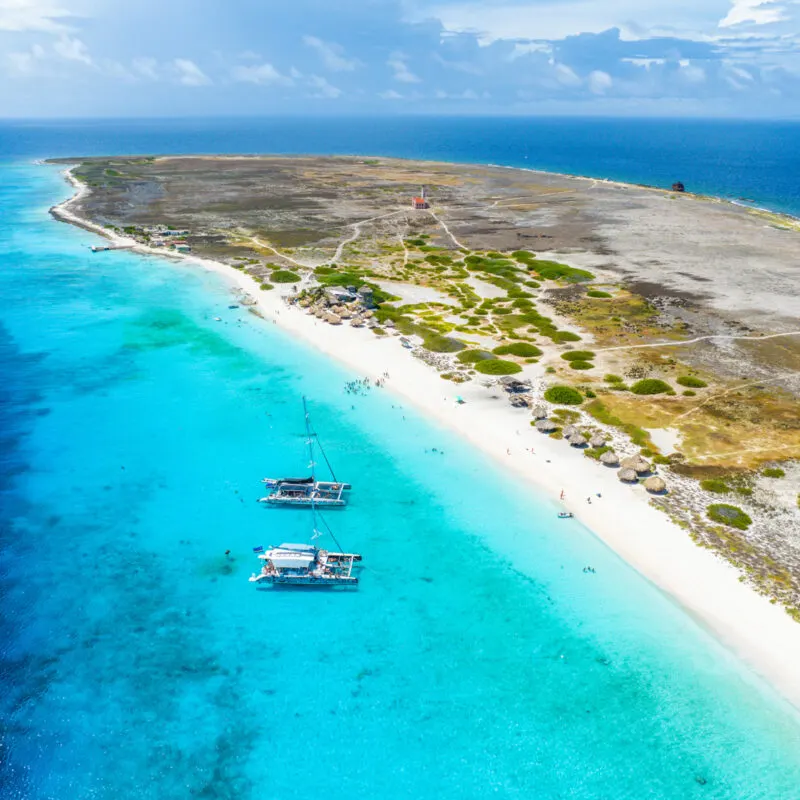
West Coast: Beaches, BBQ & Blue Room
- Catamaran and open-air bus combo
- Kokomo Beach, Cas Abao & Blue Room cave
- Breakfast, BBQ lunch and open bar on board
Practical information about the free DI Card, with a direct link to the official website.
Preparing for your trip to Curaçao? On this page, Dushi Guides explains what the Digital Immigration Card is, when to complete it and what to have ready. To fill in the form, visit the official Curaçao DI Card website. Registration is free and takes place directly through that official portal.
The Digital Immigration Card, usually called the DI Card, is an online immigration form for visitors traveling to Curaçao. You can complete it from seven days before departure. Each traveler needs a separate form, including babies and children. Registered residents of Curaçao are exempt.
Before opening the official form, have your passport, flight details, accommodation information and an accessible email address ready. Enter your personal details exactly as they appear in the passport you will travel with. Taking a moment to check names, dates and passport numbers can save you trouble later.
Go to dicardcuracao.com/dicard to complete the free official form. Some other websites charge for assistance, but you can arrange your registration yourself for free through the official portal. If you are asked for payment, check the website address before continuing.
After submitting your details on the official website, download your personal confirmation there or retrieve it from the confirmation email. Save the PDF on your phone so you can open it without internet. A printed copy is also accepted. Keep it available for airline check-in and arrival in Curaçao.
Our tip: arrange this at home a few days before your flight, so you have time to check everything calmly. This Dushi Guides page provides information and the official link. Your registration and personal confirmation are handled through the official DI Card portal.
Nearby places and useful guides.
Complete it on the official DI Card website. Dushi Guides provides information and a link to that website. You submit your details directly through the official portal, free of charge.
From seven days before departure. Complete your registration on the official website before traveling and have the confirmation ready for airline check-in.
Yes. Visitors traveling without a visa still need the DI Card. Registered residents of Curaçao are exempt. If you were born in Curaçao but now live abroad, you still need to complete it.
Yes. Every traveler needs a separate DI Card, including babies and children. A parent or guardian can complete the form for them using their own email address.
Have your valid passport, flight details, accommodation information and email address ready. The passport entered on the form must be the one you use for your journey.
After submitting the form on the official website, download your personal confirmation there or retrieve it from your confirmation email. A digital or printed copy is accepted. Save the PDF on your phone for offline access.
Check your spam folder. You can also reopen your submitted form on the official website and download the confirmation. If that does not work, contact dicardsupport@curacao.com.
Yes. On the official website, select the option to edit an existing immigration card. Retrieve your form, correct the information and save the updated confirmation.
No. The official portal also allows you to enter your passport details manually. Check all names, dates and numbers carefully before submitting.
Yes, but arrange it before airline check-in. If you are already at the airport, complete it on the official website as soon as possible and tell your airline if you have difficulty.
Open your existing registration on the official website and update the information where needed. For a last-minute cancellation or delay, consult the official FAQ or contact DI Card support about your situation.
Your registration must match each trip. You can retrieve your previous DI Card on the official website and update it with your new travel information.
No. It does not replace a visa when one is required and does not guarantee admission. Passport, visa and other entry requirements still apply.
No. The DI Card is completed on the official website. The Airside app is used for the optional Curaçao Express Pass and does not replace the DI Card.
If you need to check in again with another airline, the official guidance says you need a DI Card. If you remain in transit during your connection, check the requirements with your airline.
Try another browser or device and check your internet connection. If the problem continues, contact dicardsupport@curacao.com. If departure is approaching, also contact your airline.
The official DI Card is free. Check whether you received an actual DI Card confirmation; a payment receipt alone is not enough. Ask the website you paid about its service and refund conditions. If unsure about your registration, contact official DI Card support.
Still have questions? Our local team usually replies within minutes on WhatsApp.
Message us on WhatsApp